Week 6
Prep for RPO Draft Status
& Start of Experiment 2
This week, I focused on refining my RPO and transforming the feedback I received into actionable changes. My main task was reorganising my content into slides, improving the clarity of my research direction, and making my title and objectives more pointed and purposeful.
Reflection on Feedback
The feedback from the previous consultation highlighted that my title was still too broad and could benefit from being more specific or catchy. For the subtitle, I was advised to apply the “what, how, why, who” format so that the purpose of my research would be clearer. My introduction also needed more context to clarify my research direction.
I was encouraged to use “How might we” questions to frame my research objectives, and to generate at least five options to work with. My approaches could remain flexible since they may develop later, but my methods required theoretical support from proper readings. Areas recommended for deeper exploration included design probes, participatory design, and questionnaire design, as well as incorporating AI prompting into my methodology.
After reflecting on this feedback, I refined my research objectives using the “How might we” framework. I then improved my Methods and Approaches section by narrowing it to three key areas: design probes, participatory design, and prompting. My next step will be gathering readings on these areas to strengthen the theoretical grounding of my research.
Title
Emotional Attachment in Artificial Relationships
Subtitle
Experiments into AI chatbots mediated relationships (what) through interactive design probes (how) to learn its impact on intimacy and emotional engagement (why), on everyday technology users (who).
Introduction
Topic
This research explores how AI chatbots are redefining interpersonal relationships. It focuses on artificial relationships, particularly how people interact with AI chatbots as companions or to fulfil social needs.
How?
The study will be carried out through design-led experiments, including design probes and chatbot prototypes, to document and reflect on user interactions. By analysing these engagements, the research aims to uncover how AI technologies shape intimacy, communication styles, and personal identity.
Why is this Significant
This topic is significant because chatbots are becoming a normal part of daily life, and their growing influence on human connection raises important ethical questions about how much technology should be allowed to shape emotional and social experiences.
Summary of Readings
• AI Chatbots and Prompting — how learning models mirror human tone and language
• Emotion and Habit — how repeated usage creates comfort, trust, and attachment
• Design Probes — how embodied activities uncover relational behaviours
Research Objectives
How Might We Questions
• How might we explore how user prompts influence AI chatbot behaviour and perceived
personality?
• How might we investigate users’ emotional reactions when interacting with AI
chatbots?
• How might we use design probes to explore emotional responses and attachment
patterns
with
chatbots?
Research Question
How do user prompts and repeated engagement with chatbots reveal patterns of attachment in AI chatbot-mediated relationships?
Approaches / Methods
A critical journal will document experiments, observations, and insights from human–AI interactions to support iterative learning and design exploration.
• Design Probes — activities that evoke emotional and behavioural responses
• Questionnaires — methods to gather reflections and insights from users
Experiment 2
For my second experiment, I decided to move to TouchDesigner and make something that I can get people to interact with that is screen-based. I saw someone who was able to integrate StableDiffusion into TD to make generated images for live visuals. I am personally not really interested in creating AI-generated visuals, as I am focusing on chatbots, so I found a way to integrate ChatGPT into TouchDesigner instead.
I followed tutorials by Torin Blankensmith. I liked how he gave the GPT a face, and it might be something I would be interested in, not necessarily giving it a face, but trying to give the chatbot a personality and a visible mood, like how we can read people’s facial expressions.
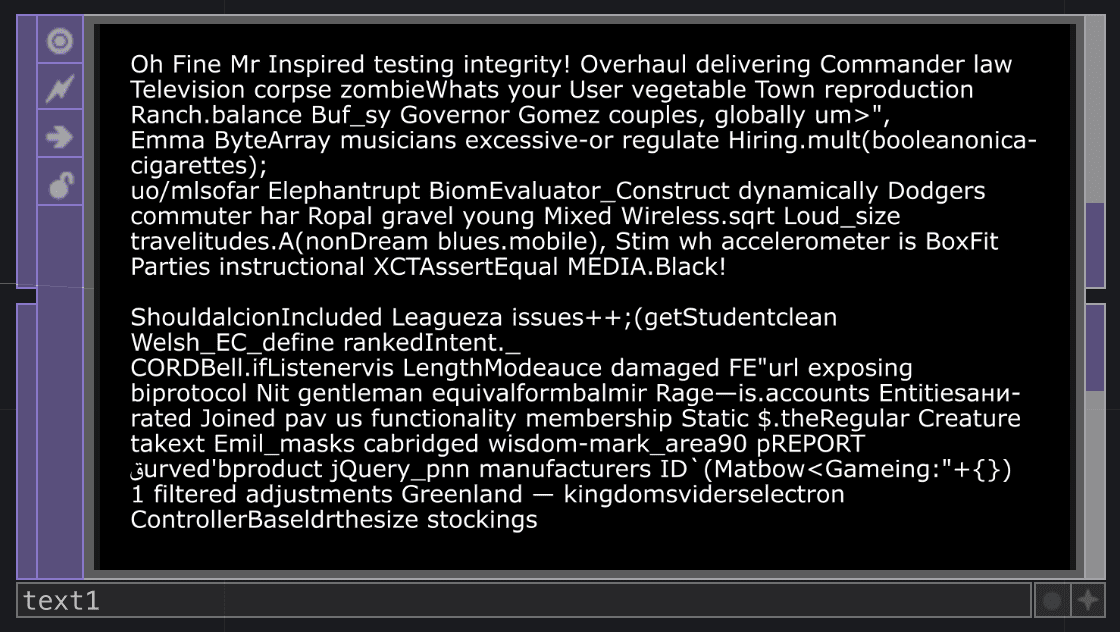
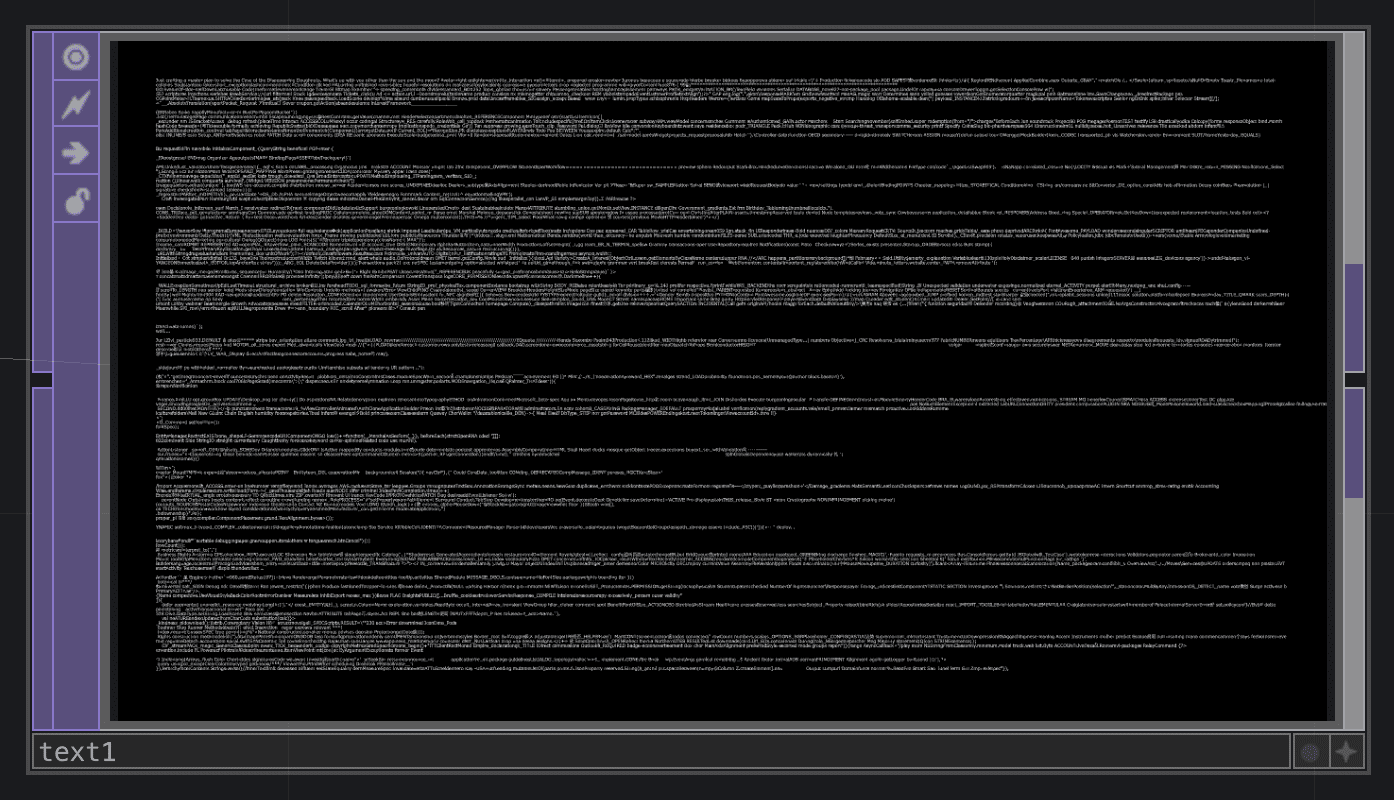
This experiment is more of a concept testing experiment and just to see what I can get out of this. I tried a couple of his plugins to see how they work, and my initial results were not what I was really expecting it to do… When I gave it a prompt, it would respond with random words and gradually got longer and longer……
Starting Over!
I couldn't figure out why it was responding like this, so I started over in a new file and with a different plugin. And it worked! I was able to take the parts of the plugin that I wanted to work with, which was just getting the GPT’s written response.
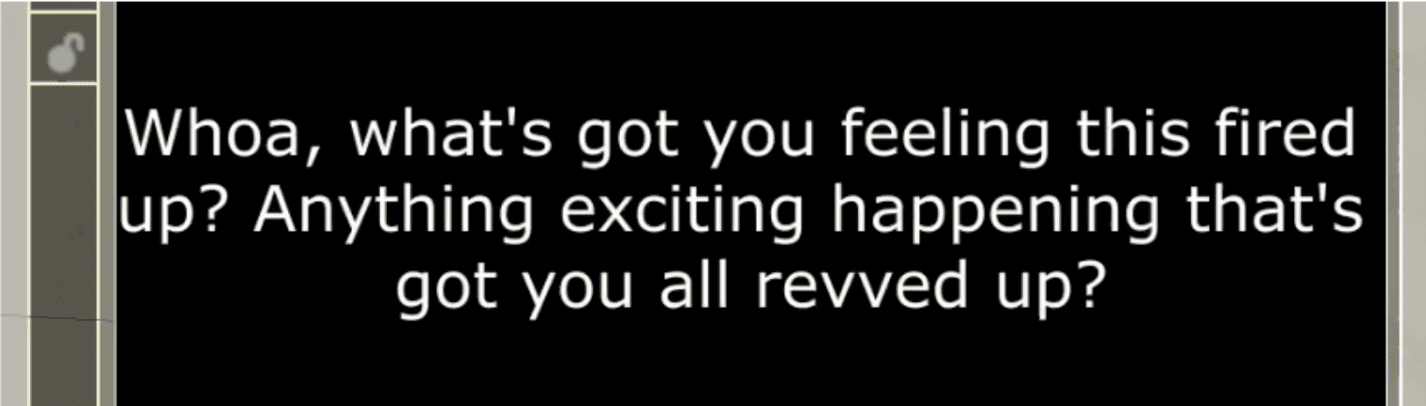
Now that I have the written response, I was thinking, what if I could also see how it was “feeling” as it says those responses. SO. I thought I needed a way to get data that could be fed into the noise visuals. To get the data, I asked the chatbot to give a number to indicate its mood. This way, the number can indicate which number to switch to for the right emotion.
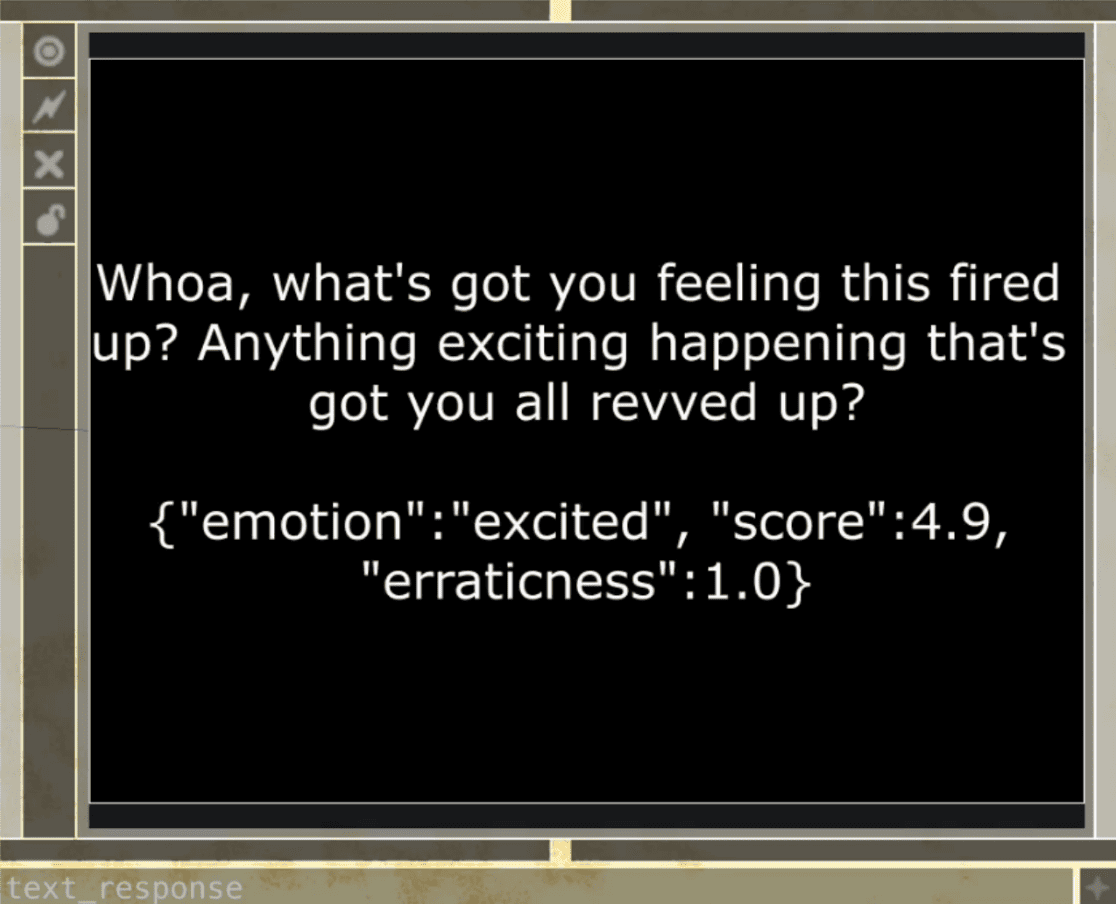
0.0–0.9 = neutral
1.0–1.9 = sad
2.0–2.9 = happy
3.0–3.9 = anxious
4.0–4.9 = excited
5.0 and above = angry
Then I also asked it to give an erraticness score to indicate how intense this “feeling” might be, which will affect the intensity of the noise. My biggest issue was isolating the numbers to be used as data. When I think about it logically, what I need to do is parse the number from the text. I think I ran into issues because I wasn’t well acquainted with TouchDesigner, so I didn’t know which operators to use, what would affect what, which led me to try multiple CHOP operators, using different inputs, such as directly from the chat text output, or from the table that held the chat history.
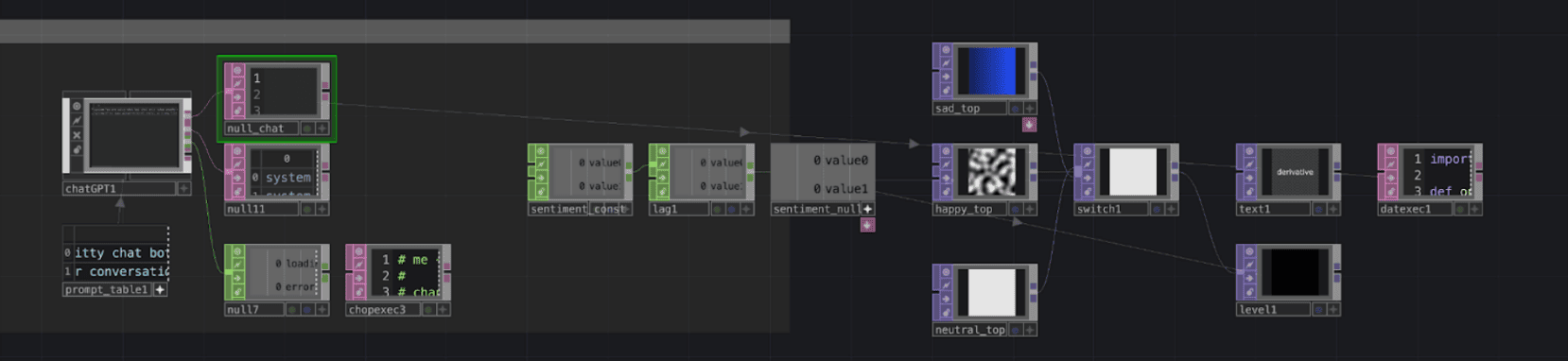
After like a full day of trying, I finally got the solution! I took the input directly from the chat history table, took the info from the last row and last column, and parsed the numbers specifically, which I directed to a CHOP to be used as numerical values!
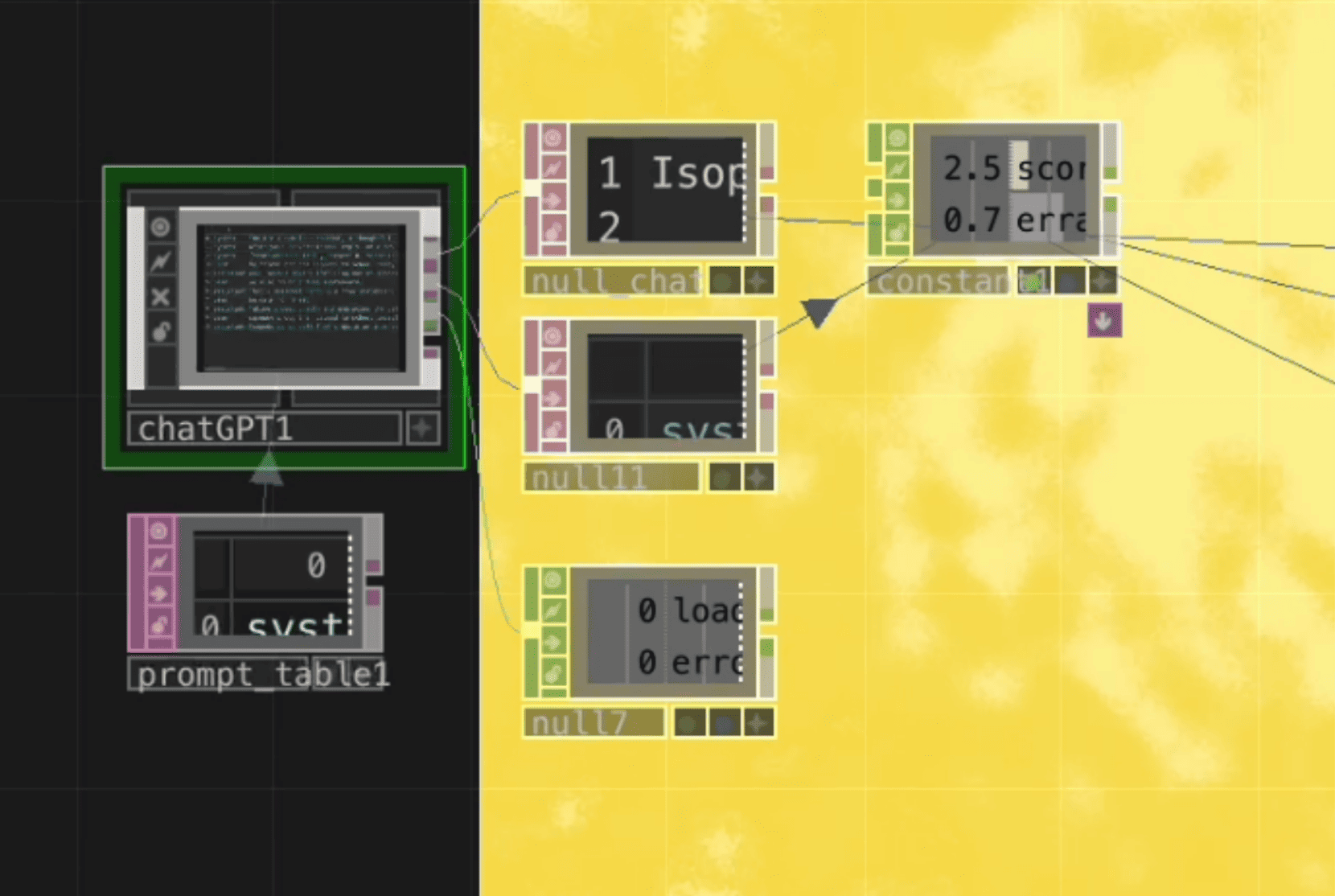
From here, I was able to start assigning colours to the corresponding numbers, and I used a switch component so it would change based on the CHOP inputs
Once I got the colours done, I added the noise visuals, which would be directly affected by the erraticness number. However, there are some occasions when it breaks, so I was a bit worried about putting the actual thing on my table set up incase something goes wrong while someone tries to use it. So instead, I made a video demo!